Give your first frame a next chapter.
Image-to-video workflows begin with a still reference, then add direction for movement, atmosphere and the camera.
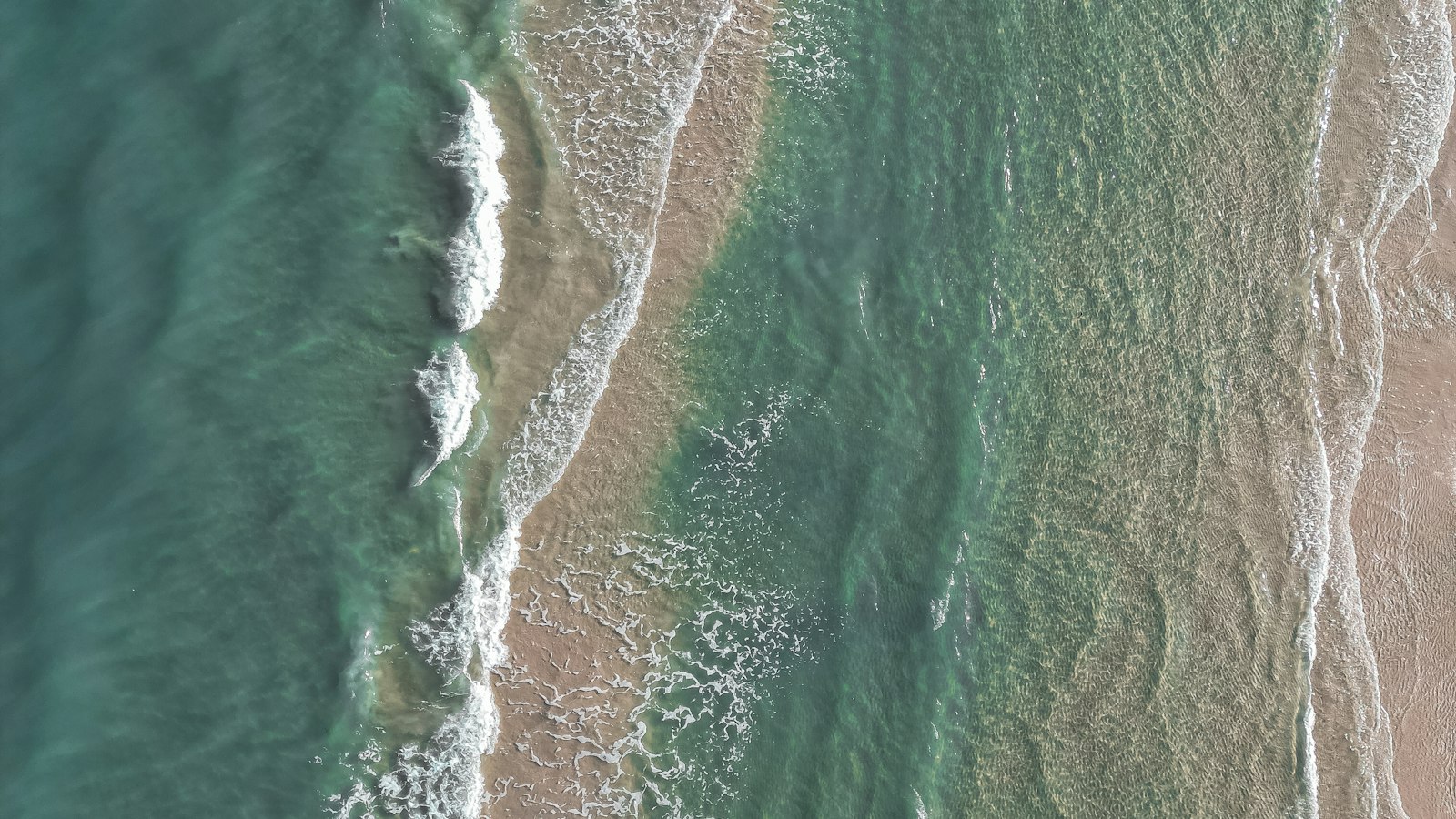
Start with a clear creative direction
Describe the subject, setting, action, lighting and camera. A focused brief is easier to iterate than a long list of unrelated effects. For motion, explain what should move and what should stay steady.
A lone traveler crosses a sculptural sand dune at golden hour. The camera follows slowly from a low angle. Fine sand drifts across the foreground; the distant horizon remains still. Warm film tones, soft contrast, a quiet, unhurried mood.
Change one thing at a time
Keep the subject and scene consistent while changing a single variable: a camera push instead of a pan, softer light instead of brighter color, or a wider composition instead of more objects. Save the direction that works before exploring the next variation.
Match the frame to the destination
Use 16:9 to explore a wide cinematic composition, 9:16 for a vertical social concept, and 1:1 for a square layout. Check where the subject sits and leave room for captions when planning an advertisement.
Try the workflow
The LightTrove demo lets you edit these controls and follow a simulated task into your library. It returns a pre-made stock sample, so it is useful for exploring the product workflow rather than judging model quality.
Explore this workflow